 Illustrated with AI
Cybersecurity for Juniors · Book 2 · Chapter 1
Orientation Week Wifi
Part 1 · Day zero at Tarang
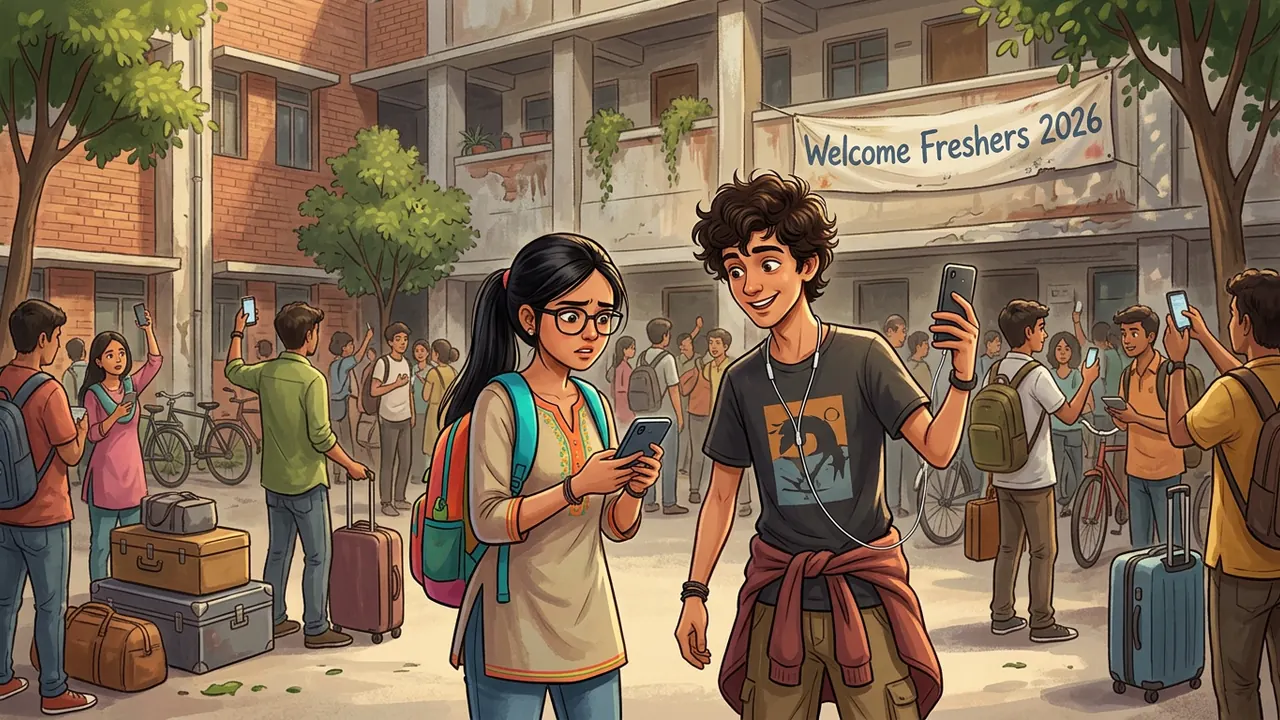
Orientation week at Tarang Engineering College smelled like fresh paint and sounded like four hundred ringtones at once. Naina had been on campus for exactly ninety minutes, and in that time she had met her roommate, lost a slipper somewhere near the mess hall, and discovered that her phone showed eleven different wifi networks and precisely zero working internet.
The official one, TEC-Campus, asked for a student ID and password she hadn't been issued yet. The IT help desk queue outside the admin block looked like it belonged to a cricket stadium, not a login screen.
Rehan, from the bunk across the hostel corridor, wasn't queuing. He was already scrolling through his phone, perfectly content, earbuds around his neck like always.
"You're online?" Naina asked. "How?"
"TEC-Free-WiFi-Fast," said Rehan, turning his screen to show her. "No password, no queue, no ID card. Someone up the admin block finally did something right."
Part 2 · A password that asks for a password
Naina connected too. It really was faster, and it really did ask for nothing at all, no login, no OTP, not even the mildly annoying "accept terms" tick box every other wifi network in her life had trained her to click without reading.
Within the hour, half the hostel block had switched over. Someone had even started a joke WhatsApp forward about it: "TEC-Campus: slow and needs ID. TEC-Free-WiFi-Fast: fast and needs nothing. Choose wisely 😎"
Then odd things began to happen, small enough that nobody connected them at first. A classmate's Instagram showed a login from a city she'd never visited. Someone's WhatsApp asked them, out of nowhere, to verify a login code they hadn't requested. Rehan himself noticed his college email app quietly logging him out and back in twice in one evening, which it had never done before.
"Weird," he muttered, not yet worried. "Maybe the hostel wifi's just buggy."
Part 3 · The cart outside Gate 2
 Illustrated with AI
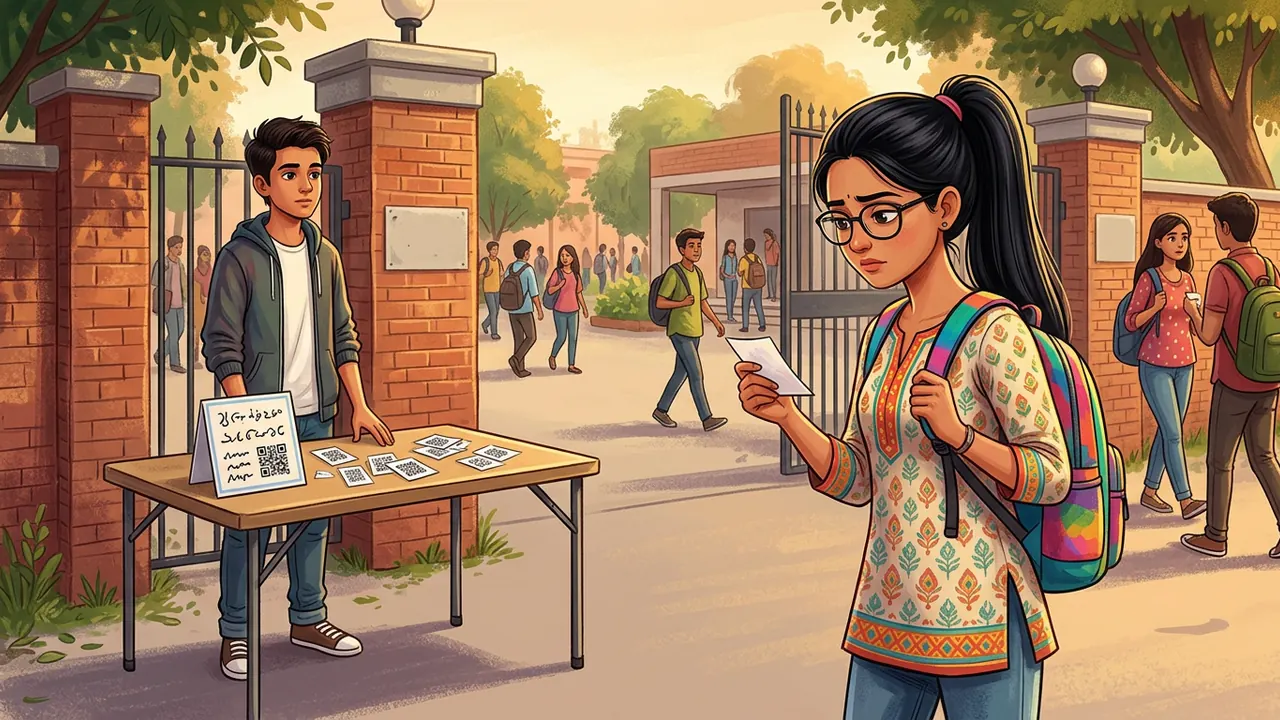
Naina found the other half of the picture by accident, on her way back from the stationery shop near Gate 2. A boy she didn't recognise, not wearing a college ID, had set up a little folding table with a laminated sign: "Fresher Welcome Combo! VIP Fast WiFi Card + Orientation Day Printouts, ₹99."
The "VIP Fast WiFi Card" was a slip of paper with a QR code and the words TEC-Free-WiFi-Fast printed under it, exactly the network half the hostel had joined that morning.
"This isn't the college's," Naina said slowly, more to herself than to him.
The boy shrugged, already looking past her for the next customer. "Everyone's buying it. Nobody's complained."
Part 4 · Ananya didi gets curious
 Illustrated with AI
Naina brought a photo of the laminated sign straight to the one senior every fresher had already been told to find if anything felt off: Ananya didi, third year, currently interning part-time as a SOC analyst at a Bengaluru firm, and the unofficial head of the campus Cyber Cell club.
Ananya didi didn't look surprised. She looked, if anything, mildly delighted, the way she looked whenever something confirmed a hunch. "Let me guess," she said, already opening her laptop. "Nobody checked whether 'TEC-Free-WiFi-Fast' is actually run by TEC."
A few minutes with a wifi scanner app and a short walk around Gate 2 later, she had her answer: the signal was strongest near a small battery-powered router tucked inside a backpack under the folding table, not anywhere near the admin block's actual network equipment.
"This is what's called an evil twin," she said. "A fake access point with a name close enough to the real one that nobody double-checks. Anyone who connects has all their traffic passing straight through that little box in the backpack first."
Part 5 · Sanjeev sir explains, in front of half the hostel
 Illustrated with AI
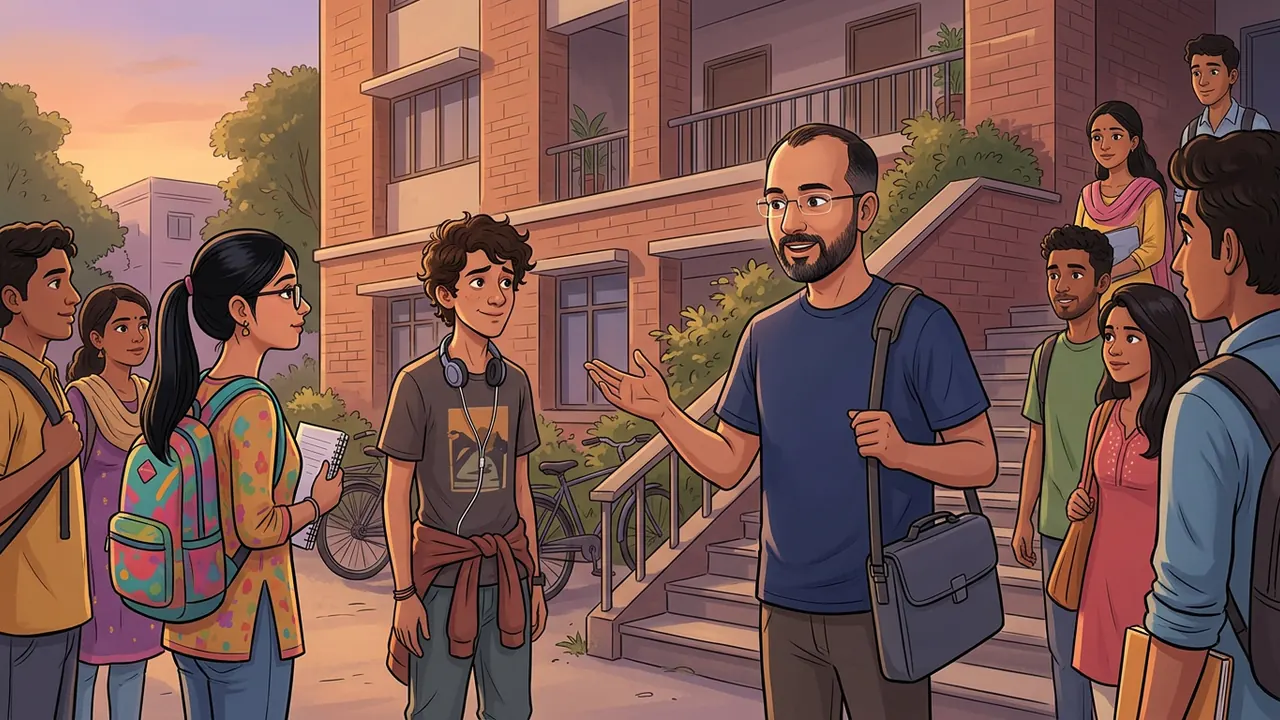
By evening, Ananya didi had looped in Sanjeev sir, who taught Computer Networks and doubled as the Cyber Cell's faculty advisor. He didn't need a lecture hall. He stood on the hostel steps with his laptop bag still on his shoulder, and half the hostel, Naina and Rehan included, gathered around anyway.
"An open network with no password isn't automatically dangerous," Sanjeev sir said. "Plenty of genuine public wifi works that way. What matters is whether you actually know who's running it, and whether your connection to any individual site is still protected on top of that, which is what the little padlock and 'https' in your browser bar are for. The problem here was simpler and older: a name chosen to look official, sitting on hardware nobody from the college had ever seen.”
"So the odd logins, the logouts...?" Rehan asked, a little quieter than usual.
"Anyone running that box could watch unencrypted traffic, and some apps still leak more than people think, especially the first time they reconnect and quietly reauthenticate in the background," said Sanjeev sir. "Nobody's bank account emptied tonight, as far as we know. But that's luck, not design. A VPN would have wrapped your whole connection in its own lock, regardless of whose router it passed through. The campus network, once you're actually on it, already does something similar for you.”
Part 6 · Taking down the table
 Illustrated with AI
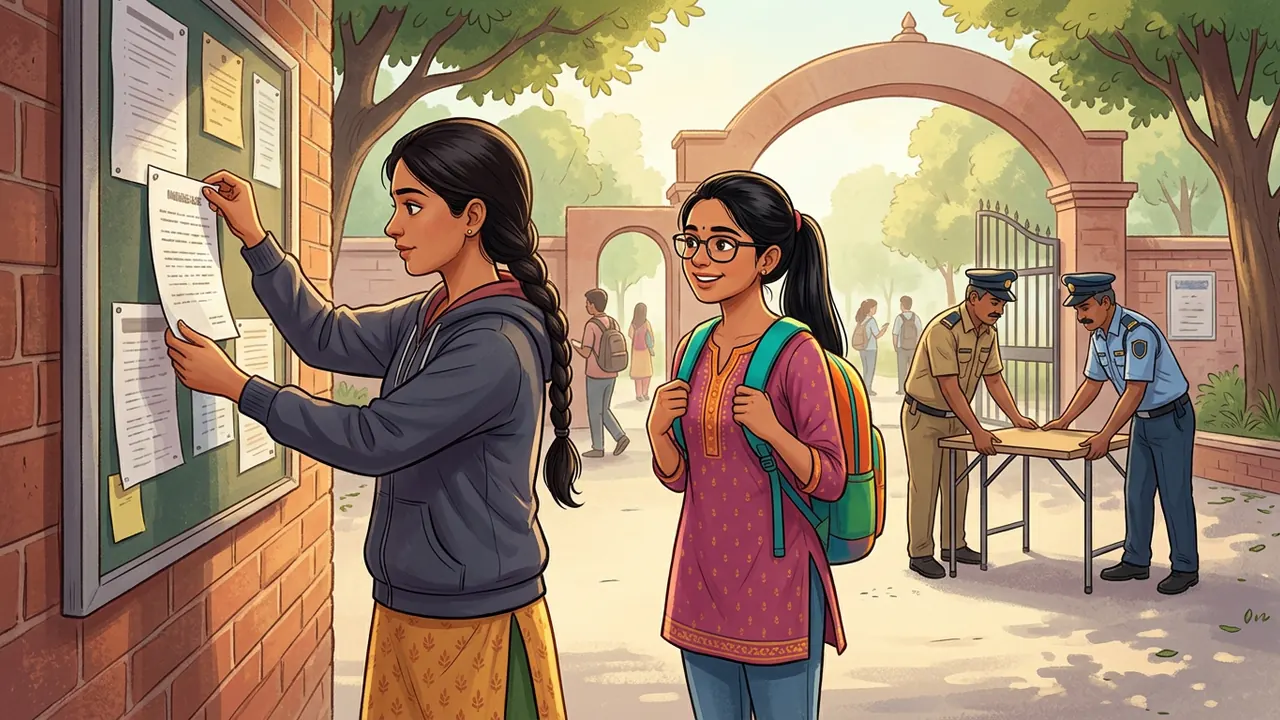
Campus security reached Gate 2 before Ananya didi's complaint email had even finished sending; three other students had already reported the "VIP WiFi Card" table to the hostel warden that same evening. The folding table, the laminated sign and the backpack router were gone by morning.
TEC's IT office, slightly embarrassed that a hundred and fifty metres of open admin-block queue had pushed freshers straight toward a stranger's router, fixed the faster problem by evening too: a temporary guest login, no ID card required, issued at the hostel desk instead of the main queue, good for exactly one week.
"Convenience problems need convenient real solutions," Ananya didi said, pinning up the new guest-login instructions right next to where the laminated sign used to be. "Not whatever shows up first with no queue."
Part 7 · The Cyber Cell gets its first two freshers
Naina and Rehan both ended up at the Cyber Cell's next meeting, for very different reasons. Naina wanted to understand how an "evil twin" was actually built, in enough technical detail that she'd never be fooled by a name again. Rehan, a little sheepishly, wanted to understand why the network he'd been so proud of finding first was the one that had been quietly reading everyone's traffic.
"I just wanted fast wifi," he admitted.
"Everyone always just wants fast wifi," said Ananya didi. "That's exactly what an evil twin is counting on."
Moral of the story
A network's name is not its identity. Check who actually runs it before you hand it your traffic.
The fastest signal in the air
may not be the one that's truly there.
A name alone is not a claim,
ask who really owns that name.
Spot the red flags
The Gate 2 Welcome Table
"Fresher Welcome Combo! VIP Fast WiFi Card + Orientation Day Printouts, ₹99" 1
TEC-Free-WiFi-Fast2Set up on a folding table outside Gate 2, not inside any admin or IT office. 4
Anything sold for cash, on the spot, to overwhelmed freshers in their first hour on campus, deserves a second look. Scammers specifically target the moment people are too busy to check.
A network name that sounds official ("TEC") but isn't on any list the IT office actually issued. Close-enough names are the whole trick of an evil twin.
No way to verify who's actually selling it. A real college service is staffed by people with ID, inside a real office, answerable to someone.
Genuine campus infrastructure doesn't get set up on a folding table with a backpack underneath it.
Field notes
What really happened?
| In the story | The real idea |
|---|---|
| "TEC-Free-WiFi-Fast", no password needed | Evil twin network: a fake access point with a name close enough to a real one to fool people into connecting |
| The battery router hidden under the table | Traffic from anyone connected passes through hardware the attacker controls first, before it goes anywhere else |
| Odd logins, surprise logouts on connected apps | Signs that unencrypted traffic or session data may have been intercepted or replayed |
| The padlock and "https" Sanjeev sir mentioned | HTTPS / TLS encryption: scrambles your traffic to one site even if the network itself can't be trusted |
| "A VPN would have wrapped your whole connection" | A VPN encrypts everything leaving your device, not just one site at a time, useful on any network you don't fully trust |
| The ₹99 "VIP Fast WiFi Card" | A scam that doesn't need to hack anything technical, it just needs someone rushed, new, and willing to pay for convenience |
| The one-week guest login TEC's IT office set up | The real fix for "the official way is slow" is a faster official way, not a shortcut from a stranger |
Try it yourself
Real network, or evil twin?
Here's a wifi list like the one Naina saw on her first day. Tap a network to see whether it's safe to trust, and why.
Tap a network above to check it.
Maths corner
How fast does a rumour of "free wifi" spread?
Say one fresher tells two roommates about "TEC-Free-WiFi-Fast" in hour one, and each person who hears it tells two more people the next hour, and so on. After hour 1: 2 people. Hour 2: 4. Hour 3: 8. Hour 4: 16. This is exponential growth: 2ⁿ people have heard by hour n.
Your turn. By hour 8, how many people have heard, following this doubling pattern? Compare that to a hostel of 300 students; after how many hours has the rumour theoretically reached everyone?
Answer: 2⁸ = 256 people by hour 8. By hour 9, 2⁹ = 512, already past a 300-person hostel, so realistically the whole hostel can hear within about 9 hours, faster than almost any official notice could be printed and pinned up.
Try it on a computer · optional
Spotting look-alike network names in Python
# a simple similarity check, real tools do much more
def looks_similar(name, official_names):
    name = name.lower().replace("-", "").replace("_", "")
    for official in official_names:
        clean = official.lower().replace("-", "")
        if clean in name and name != clean:
            return True
    return False

official = ["TEC-Campus"]
candidates = ["TEC-Free-WiFi-Fast", "TEC-Campus", "Cafe-Guest"]

for c in candidates:
    if looks_similar(c, official):
        print(c, "-> looks official but isn't on the real list, verify before connecting")
TEC-Free-WiFi-Fast -> looks official but isn't on the real list, verify before connecting
Run this in any free online Python editor. Try adding "TEC-Campus-Guest" or "TECCampus2" to the candidates list and see which ones it flags. A real "rogue AP detector" works the same way at a much larger scale, comparing broadcast network names and hardware addresses against an approved list.
Security tip
Five habits for any new network
Confirm a wifi network's name with an actual staff member or official notice before connecting, never from a sign on a random table. Prefer networks that ask for some form of verified login over ones that ask for nothing at all. Check for the padlock and "https" before entering anything sensitive on a site. Use a VPN on any network you don't fully control, hostel, airport, cafe, or otherwise. And if a "faster" or "free" version of something official turns up outside official channels, assume it's a shortcut built for someone else's benefit, not yours, until proven otherwise.
Did you know?
Fun facts
Myth or fact?
"If a wifi network needs no password, it must be a scam."
MythPlenty of genuine public networks, libraries, airports, even parts of a real campus, are intentionally open with no password. The password itself isn't the giveaway. What matters is whether the network's name and hardware actually belong to who it claims to be, which is exactly what Ananya didi had to check with a scanner, not guess from the login screen.
Try this · no computer needed
Name the real one
You need: paper and a pen, and at least one other person.
- Pick a real place you both know well, your school, a favourite shop, your college.
- One person writes down the official name of that place's wifi network (make one up if you don't know the real one) plus three fake look-alike versions of it.
- Shuffle the four names and read them aloud to the other person in random order.
- The other person has to guess which one is real, explaining their reasoning out loud.
- Swap roles, then discuss: what made a fake name convincing, and what would you actually need to check in real life, beyond just the name, to be sure?
Careers corner
SOC analyst
A Security Operations Centre (SOC) analyst, Ananya didi's internship role, watches an organisation's networks and systems for exactly this kind of odd activity: a device appearing where it shouldn't, logins that don't match a usual pattern, traffic going somewhere it has no business going. It's a job built on noticing small, boring-looking anomalies before they become big, expensive ones.
Useful to learn: networking fundamentals, comfort reading logs and traffic patterns, calm under a live incident, and the patience to investigate a hunch before raising an alarm.
Quiz time
How well did you learn?
Think and discuss
No wrong answers here
- Rehan felt proud of finding "faster" wifi first. Why can being first to find a shortcut sometimes be the riskiest position to be in?
- TEC's official network needed a queue and an ID card that freshers didn't have yet. How much of this story was really about a scam, and how much was about a slow official process pushing people toward a shortcut?
- Would you have bought the "VIP Fast WiFi Card"? What would have made you hesitate, or not hesitate?
- Ananya didi solved this with curiosity and a wifi scanner app, not any special authority. What's stopping any student from doing the same thing the next time something feels slightly off?
Be curious
Ask a teacher, parent or engineer
Word bank
New words from this chapter
Coming up in Chapter 2
Orientation week wifi is sorted. Then an email lands in Naina's inbox offering her a summer internship she never even applied for, and all they need first is a "small processing fee" and a copy of her Aadhaar card.
For teachers and parents: this chapter fits two 40-minute periods. Period 1: read Parts 1 to 7 aloud (15 min), explore the "real network or evil twin" interactive together (10 min), then the Maths corner (10 min). Period 2: "Spot the red flags" discussion, the "name the real one" activity, and the quiz. The key ideas: a network's name is not proof of who runs it; HTTPS protects a connection to one site but doesn't vouch for the site's honesty; a VPN protects an entire connection regardless of the network; and scams aimed at freshers specifically exploit a rushed, unfamiliar moment rather than any technical weakness. The Python corner is optional. All chapter illustrations are AI-generated scene art (pending for this draft); the wifi list, red-flag board and diagrams are built by hand.